
















Quick Preset Finder
Find the right Lightroom Presets based on your lighting, style, and editing goals.
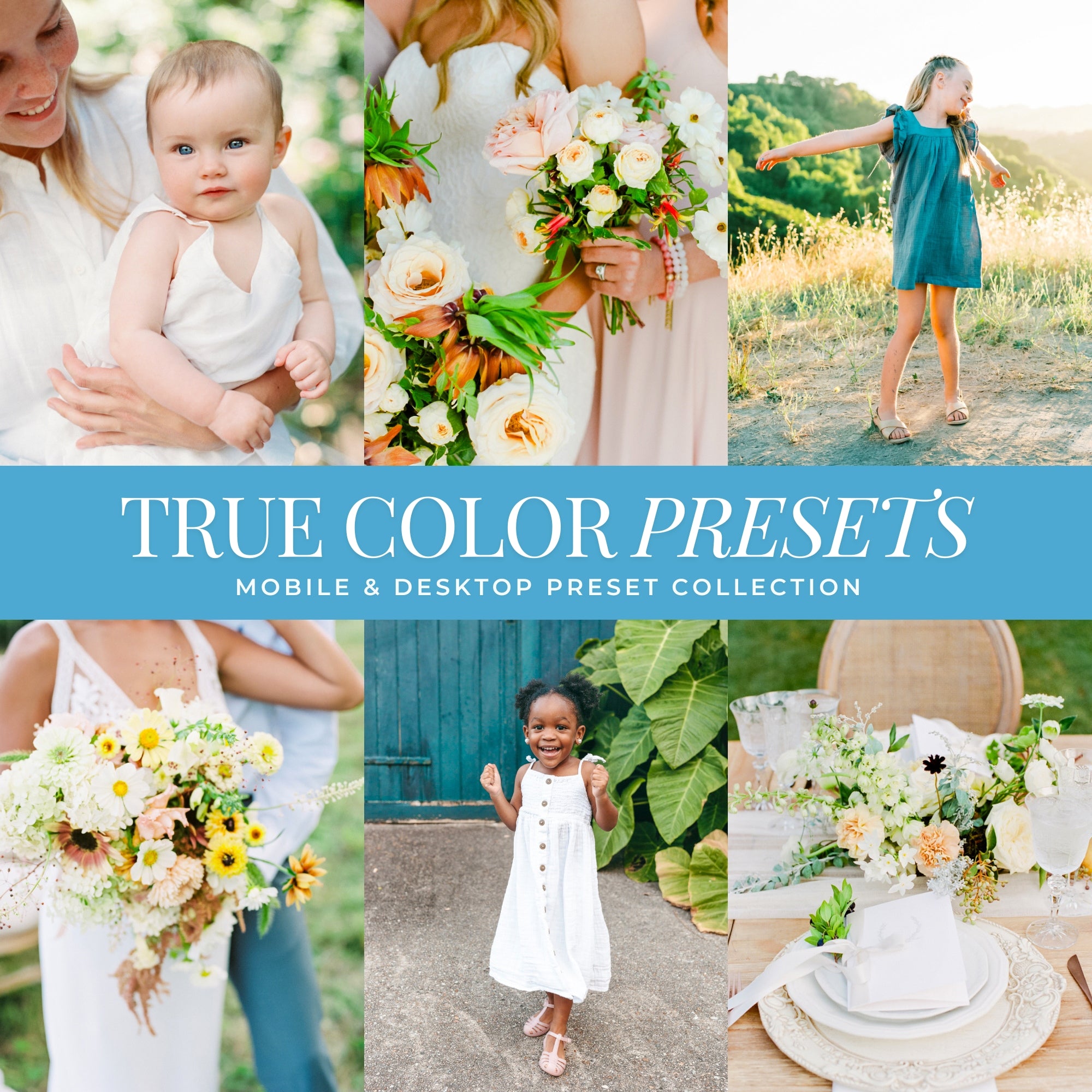
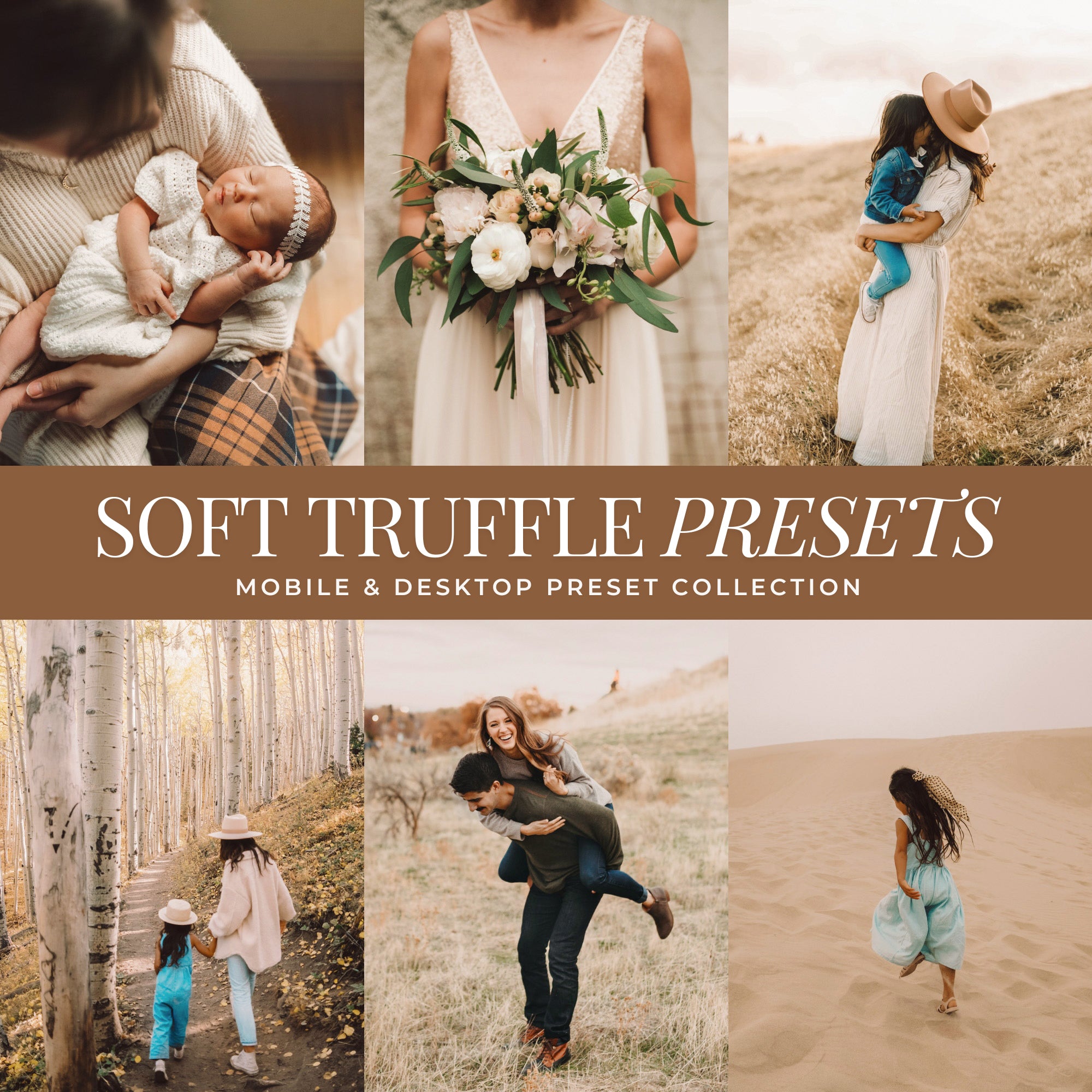
Want clean, natural, light & airy color?
True-to-life tones with soft, bright light for portraits, weddings, lifestyle, everyday photos, and natural-light edits.
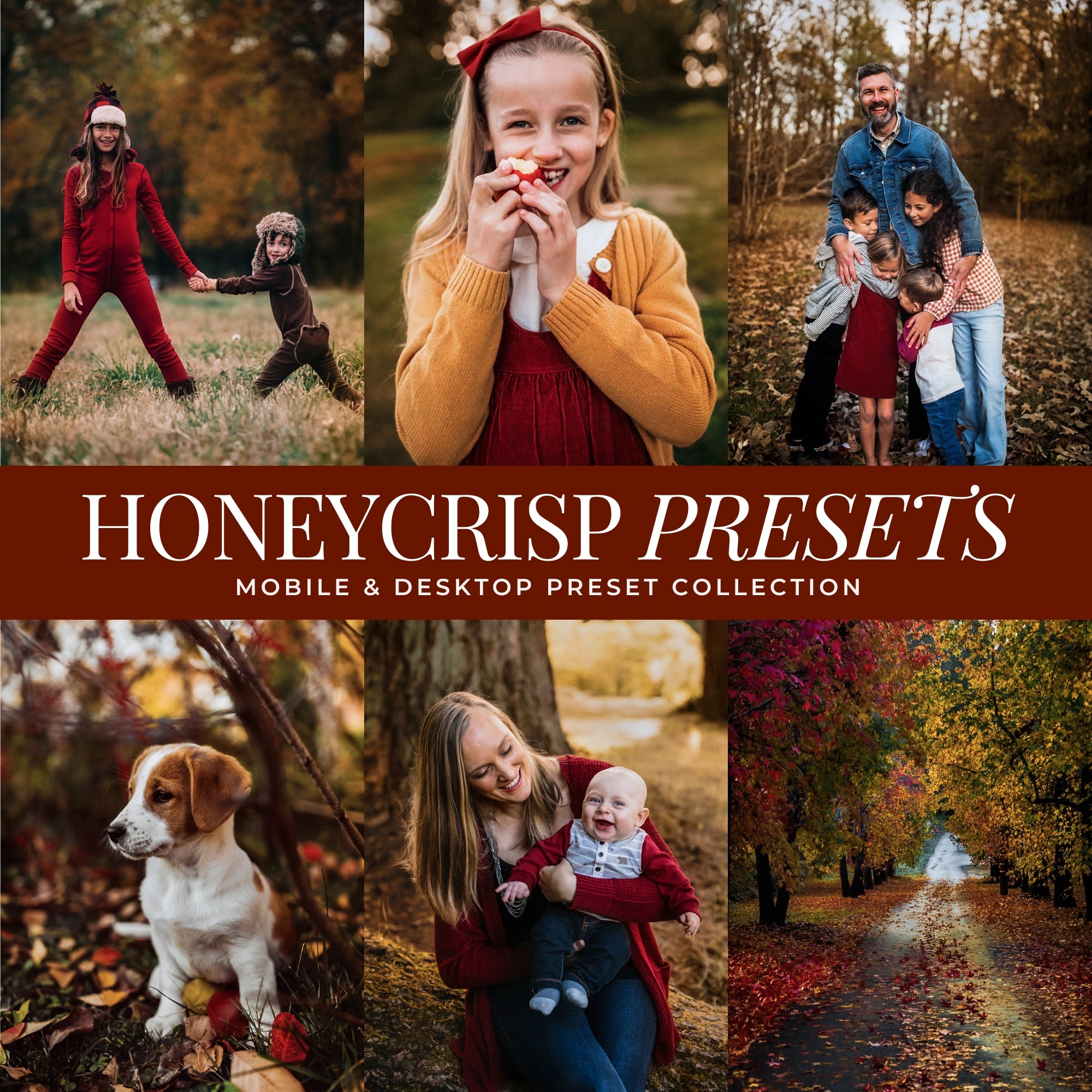
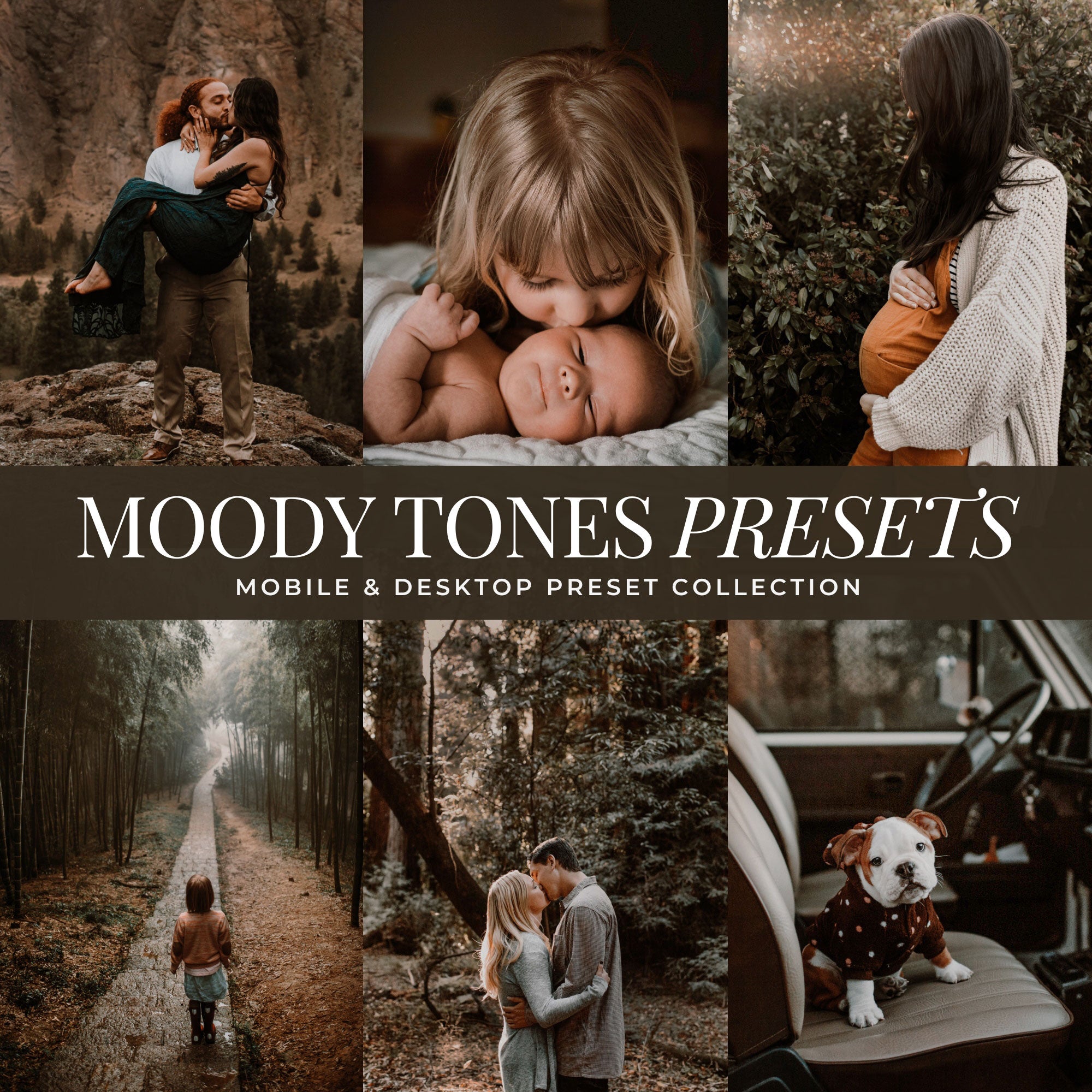
Want rich, warm, moody color?
Deeper tones, earthy warmth, and soft contrast for cozy, moody edits.
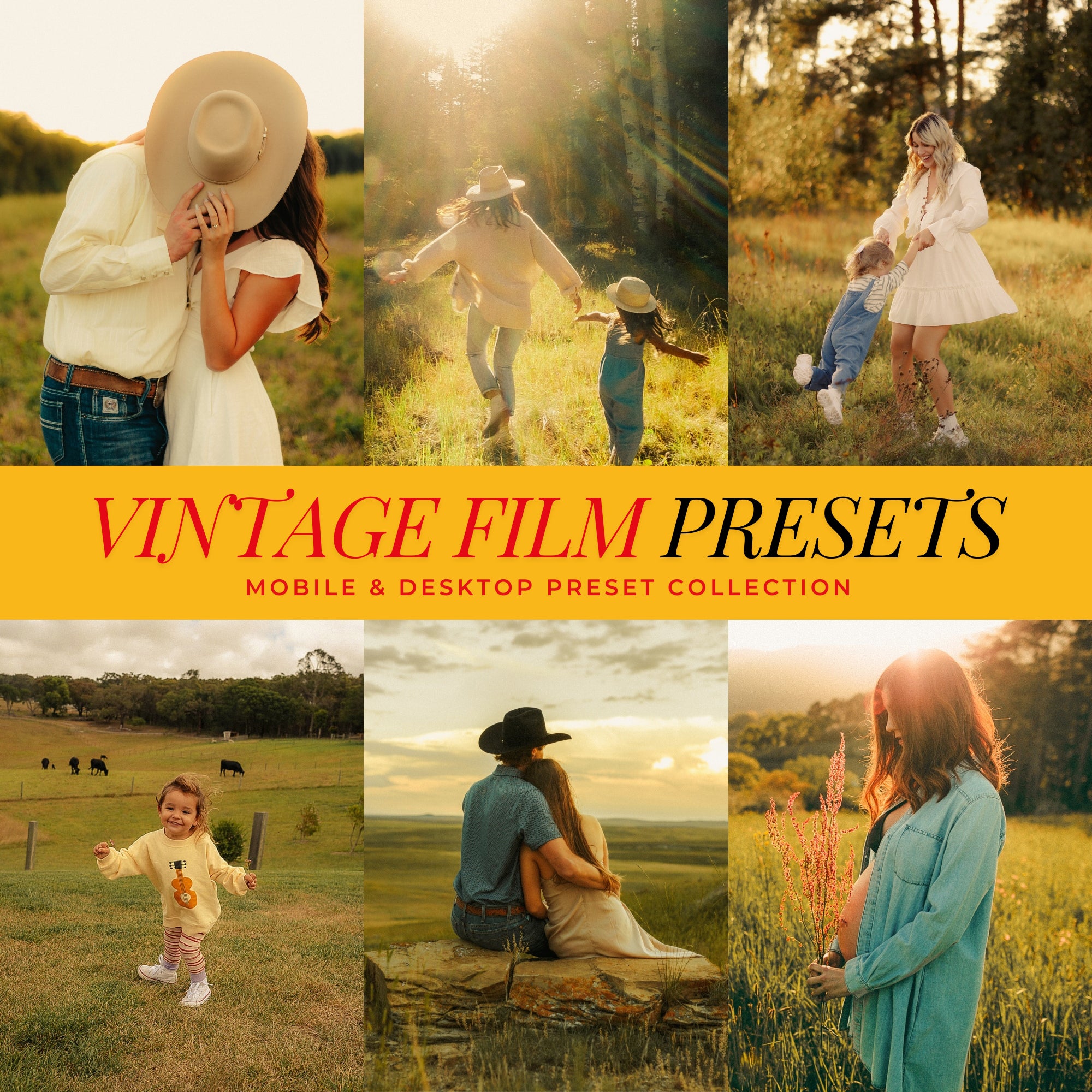
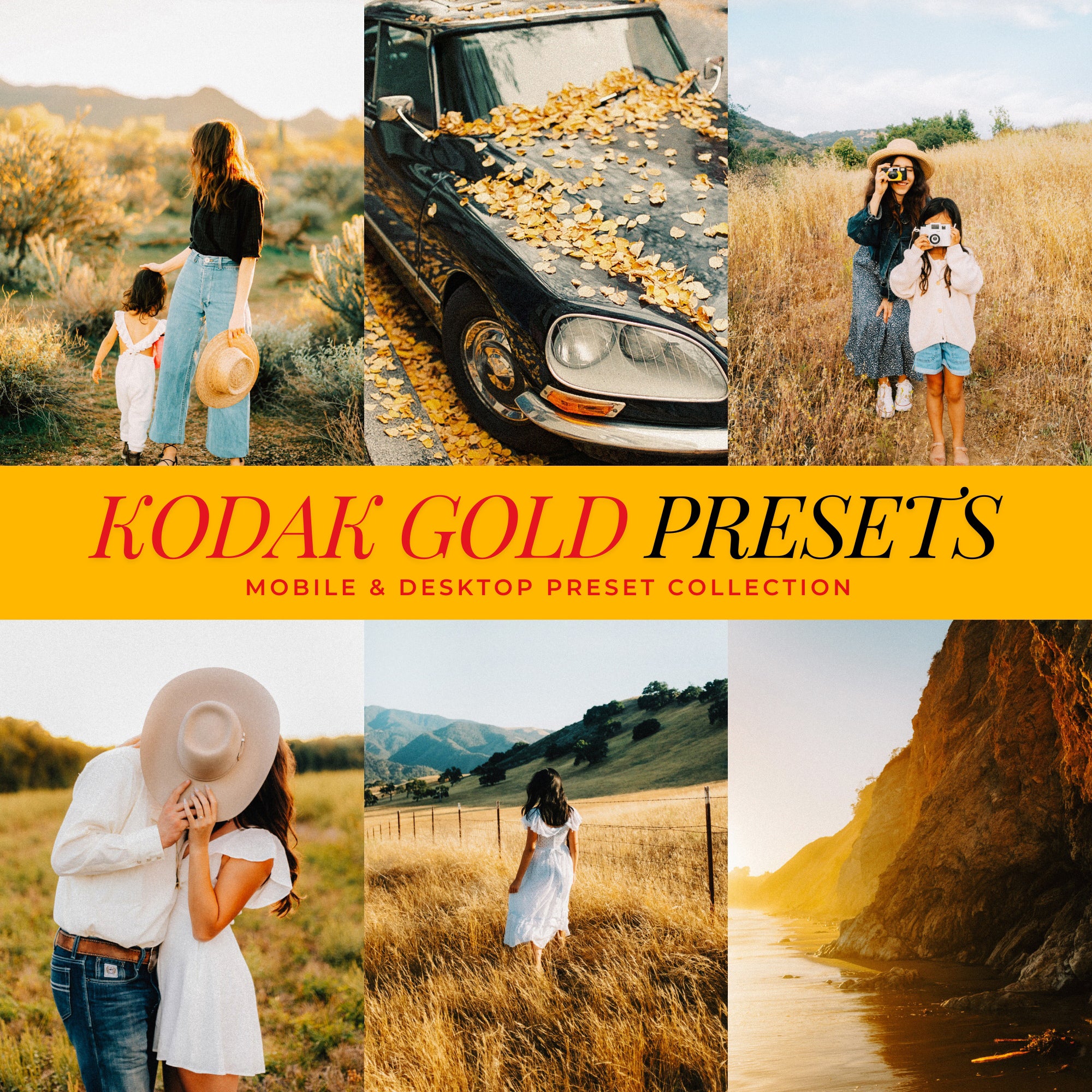
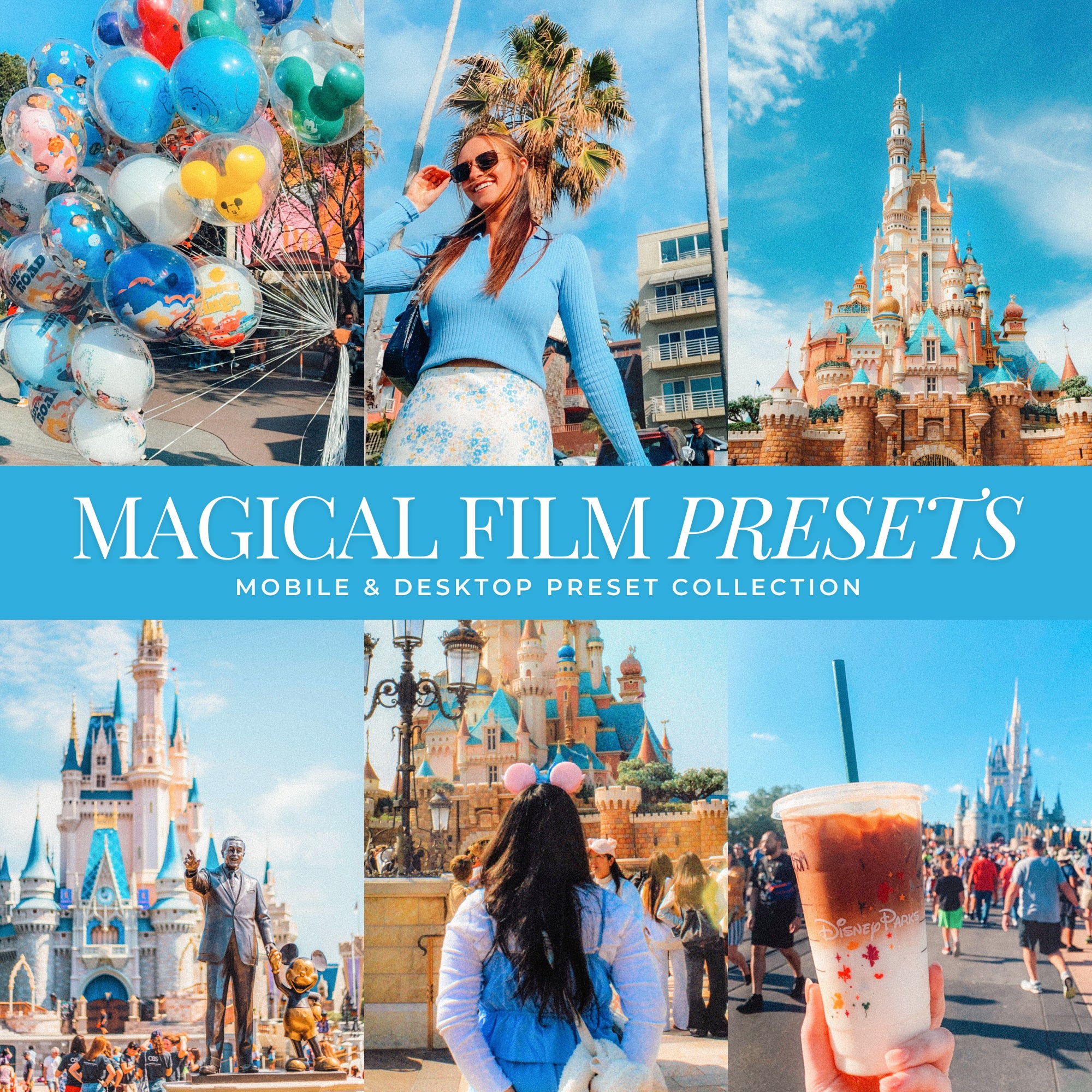
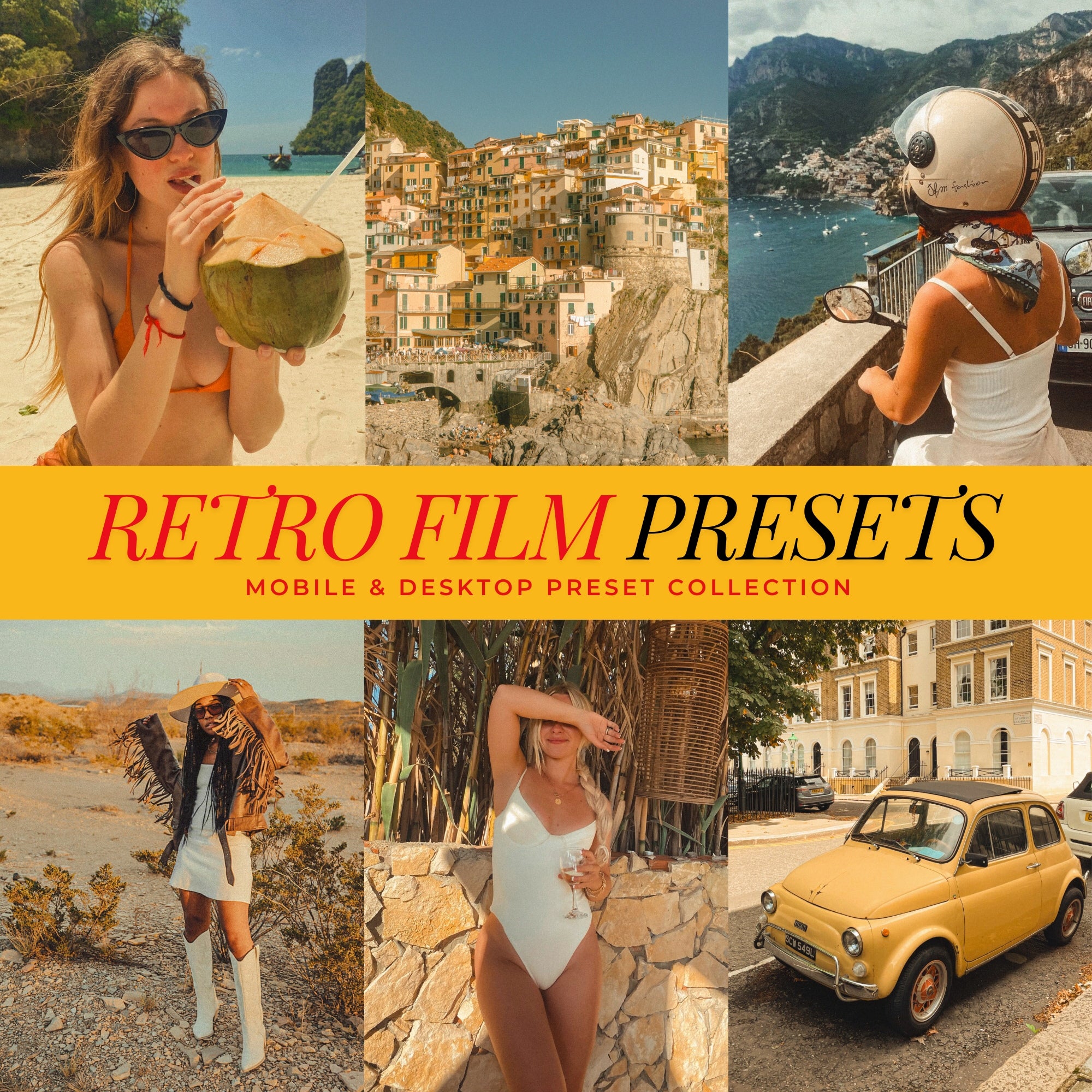
Prefer a nostalgic, film-inspired style?
Warm, nostalgic presets inspired by classic film looks.

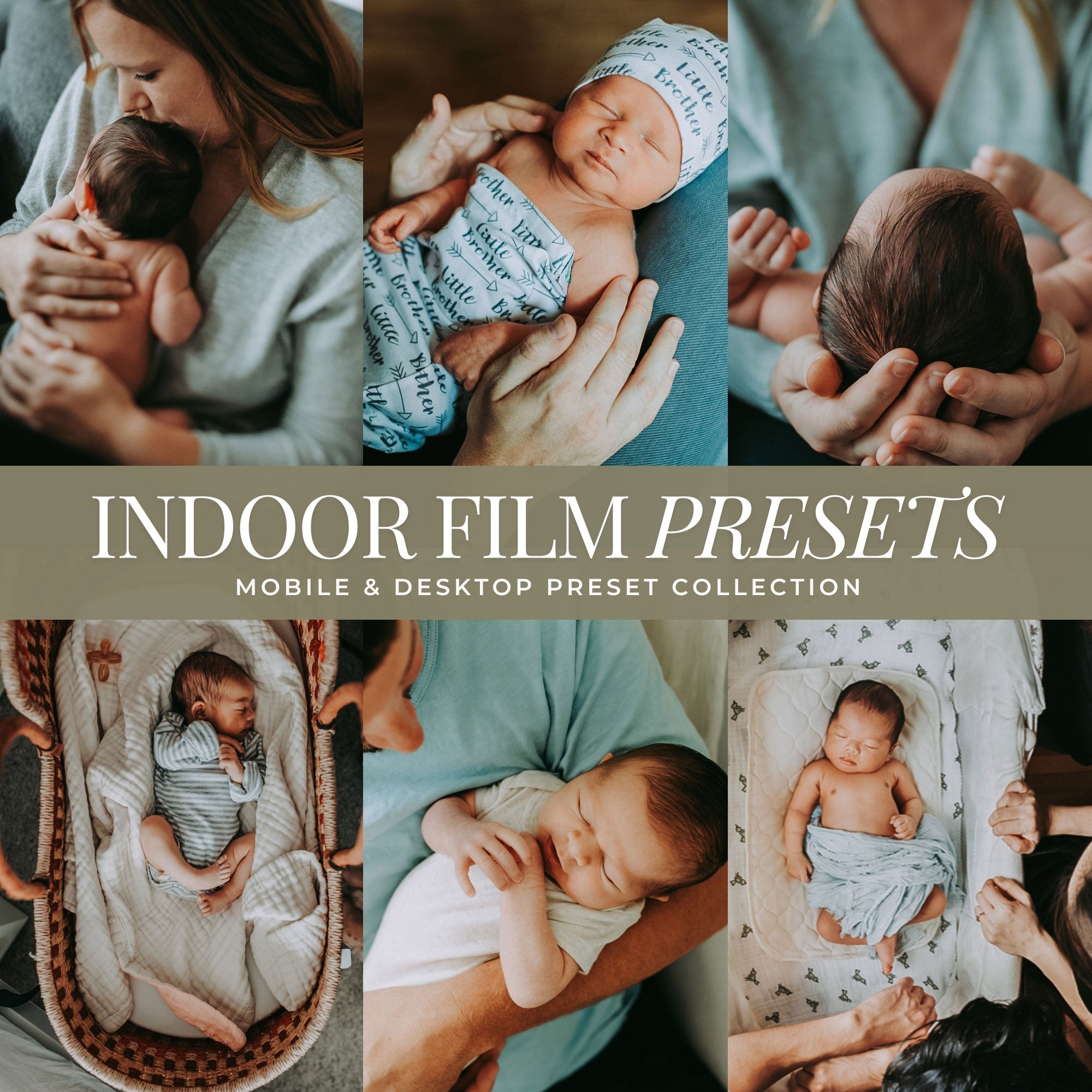
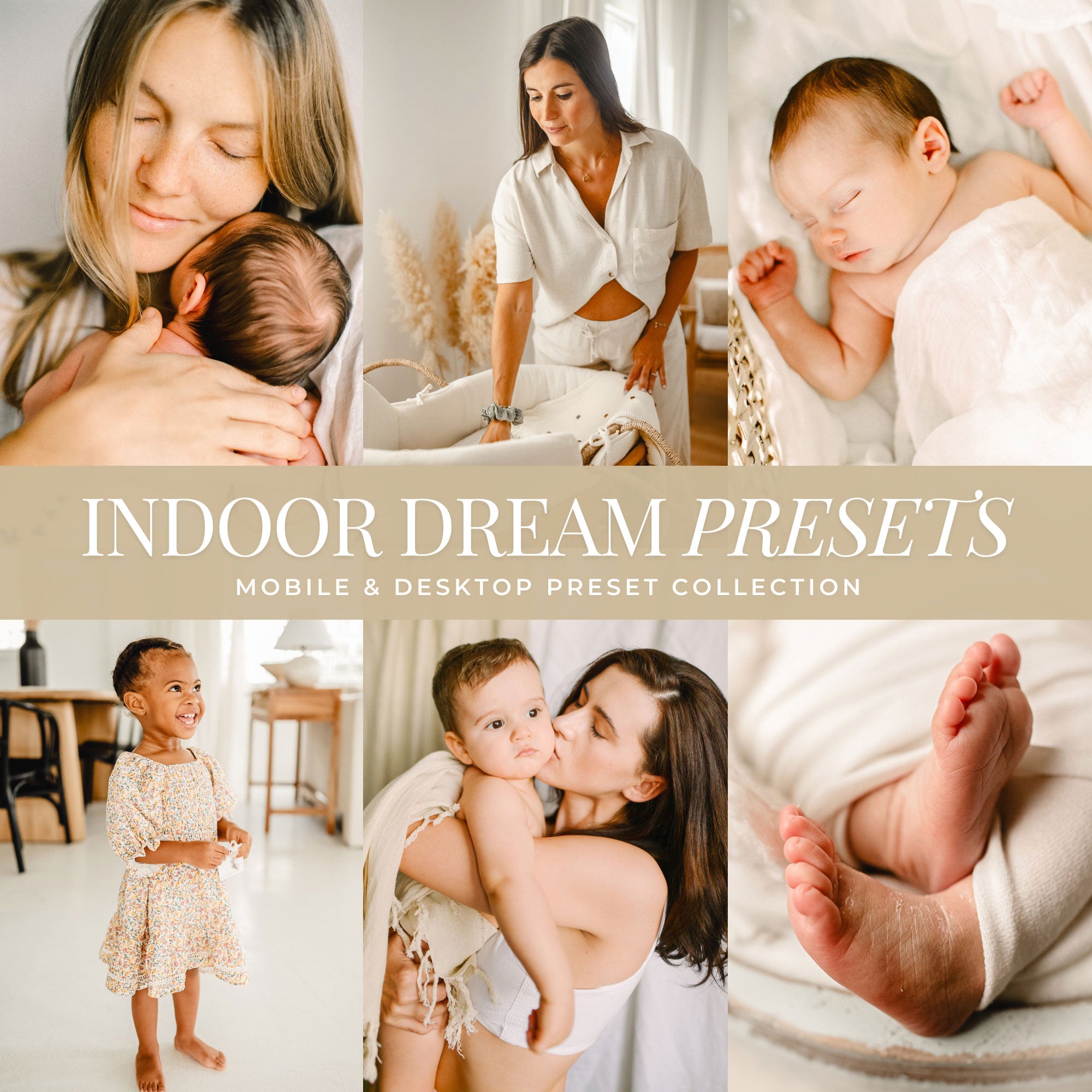
Editing indoors or in low light?
Presets designed to brighten shadows and keep skin tones natural.

Lightroom Preset FAQs
Do presets work on Mobile & Desktop?
Yes! Our presets work with Lightroom Mobile (free app) and Lightroom Desktop & Photoshop.
Are these presets one-click?
Yes—one-click edits, with a built-in opacity slider so you can adjust the strength anytime.
Will these presets work with my photos?
Yes! Our presets are adjustable and include variations for different lighting and color to match your photo.
How do I get my presets after purchase?
You’ll receive instant access with step-by-step instructions for importing Lightroom presets on mobile and desktop for Lightroom & Photoshop.
